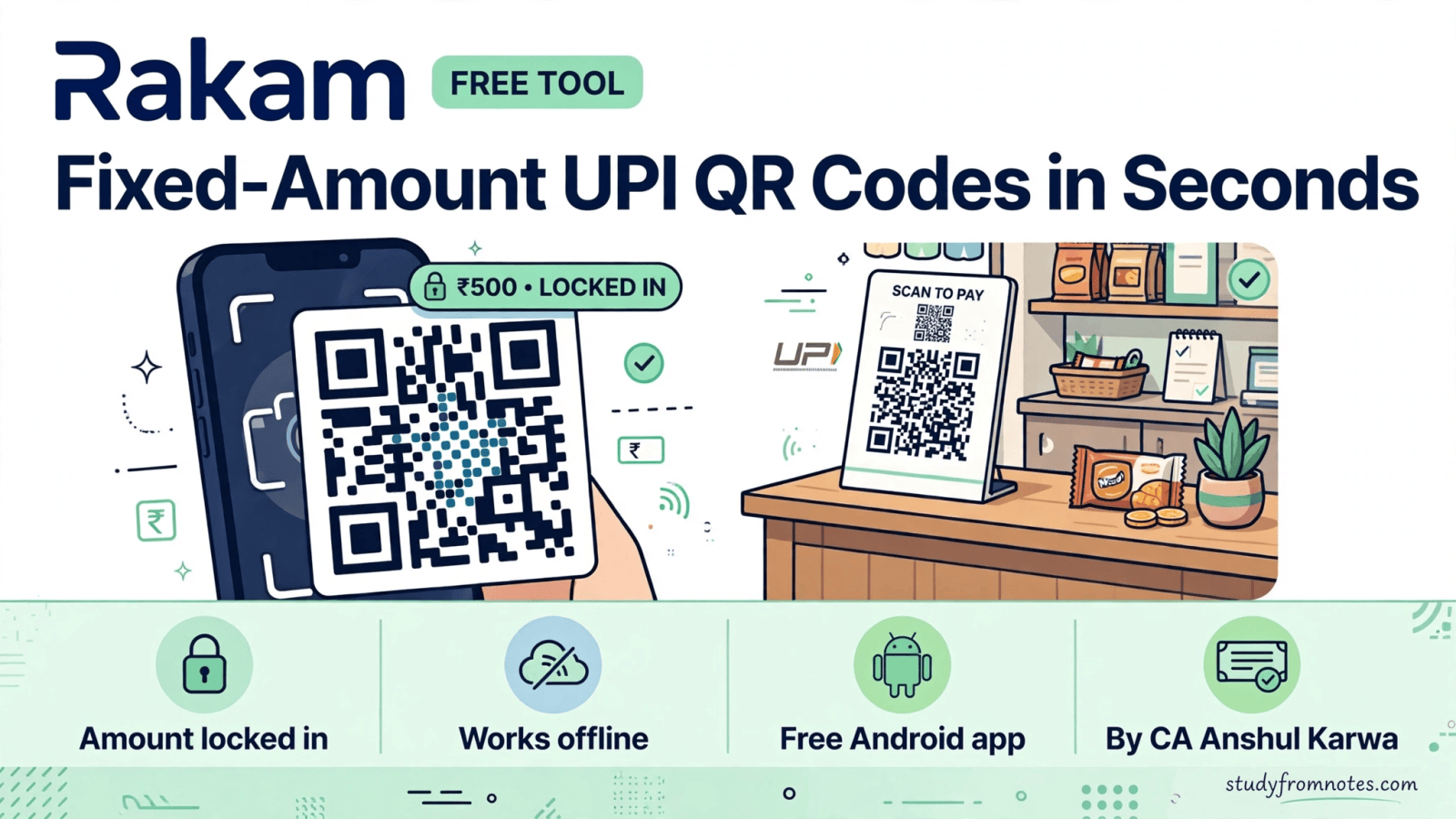
CA Anshul Karwa developed the Rakam QR generator, a free tool that creates fixed-amount UPI QR codes. The
Create your free fixed-amount UPI QR with Rakam
QR itself locks in the amount, so your customer simply scans and pays the exact sum. No typing, no mistakes, no awkward follow-ups.
If you collect payments, fees, or contributions, Rakam removes the most error-prone step of UPI collection: the customer entering the amount. You set it once, they scan, and the right money lands in your account.
Picture the usual scene: a customer squints at your handwritten UPI ID, types it character by character, then types the amount, then double-checks both. Every one of those steps can go wrong. Rakam collapses all of it into a single scan, which is why shopkeepers who try it rarely go back to dictating numbers aloud.
What Is the Rakam QR Generator and What Does It Do?
The Rakam QR generator builds UPI QR codes with a preset amount baked in. A normal UPI QR only carries your UPI ID, leaving the payer to type the amount, which is where wrong-figure payments happen. Rakam QR codes carry the amount too, so the payer’s app opens with the exact figure already filled.
It fits real-world collection: shopkeepers, freelancers, tutors, societies, and event organizers who ask for the same amounts again and again. Create the QR once, print it or show it on your phone, and every scan pays exactly what you asked for.
Everything happens on your device. The page works offline, and nothing you enter ever leaves your phone.
Key Features of Rakam
Everything on this list is free:
- Fixed-amount QR codes: the QR locks in the amount, so customers scan and pay the exact sum with no typing needed.
- Quick amount presets: one-tap buttons for Rs 100, Rs 500, Rs 1,000, Rs 2,500, Rs 5,000, Rs 11,000 and Rs 21,000, or set your own amount.
- Your UPI ID, your QR: enter any UPI ID and the QR points payments straight to it.
- Payee name and reference: optionally add your name and a note or invoice reference so payments arrive labelled and easy to track.
- Optional payment charge: add a 0.4% charge (capped at Rs 300) to the QR at your own discretion, with clear on-screen guidance about UPI compliance.
- Works offline: generate QR codes without an internet connection; nothing leaves your phone.
- Android app: Rakam is also available as a free Android app on the Google Play Store.
How to Use the Rakam QR Generator: Step by Step
Creating your first fixed QR takes under a minute:
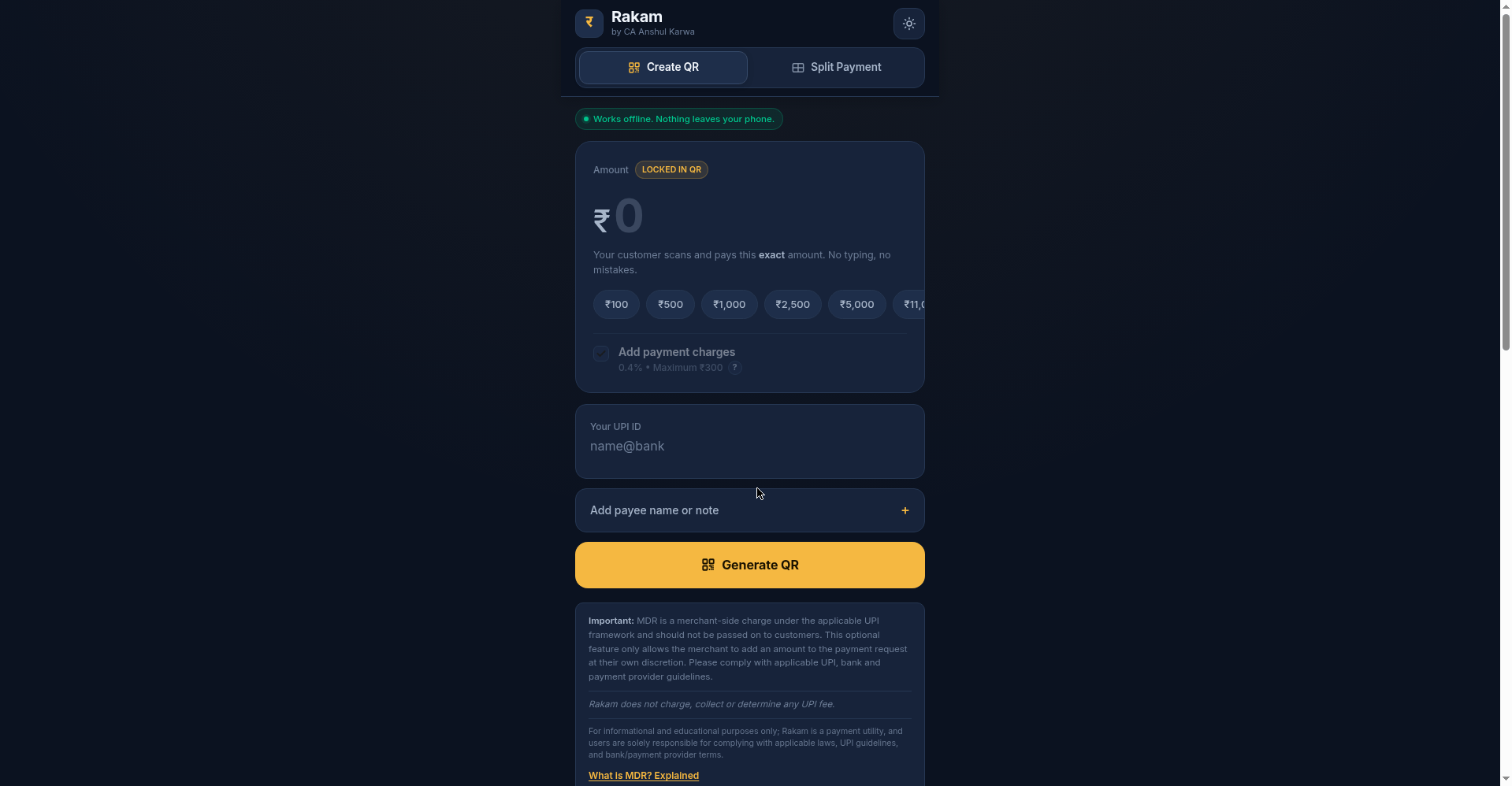
- Open the Rakam web app and choose your amount, either tapping a preset like Rs 500 or entering your own figure.
- If you want to include payment charges, toggle the 0.4% option. Read the on-screen note first: as per UPI rules, MDR and extra charges should not be collected from the customer, so use this only at your own discretion and stay compliant.
- Enter your UPI ID. Optionally add your payee name and a note or invoice reference, which helps you match payments later.
- The app generates your QR with the amount locked in. Show the “Scan to pay” QR to your customer on your screen, or print it for your counter.
- The customer scans it in any UPI app and confirms. The app already fills in the exact amount, so there is nothing to type.
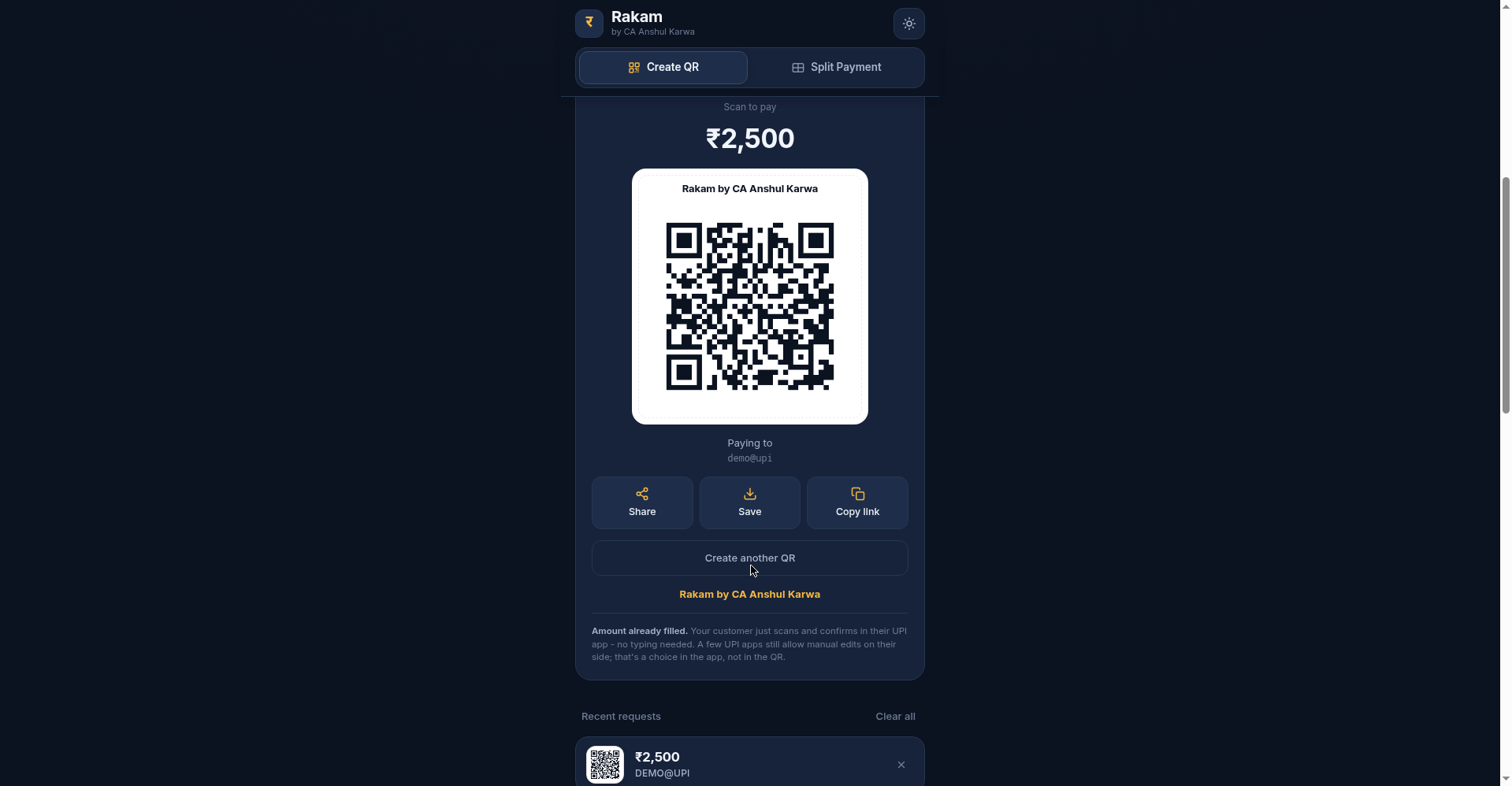
One honest caveat, straight from the tool itself: a few UPI apps still let the payer edit the amount on their side. That is a choice inside their app, not something the QR controls. In practice, most customers simply confirm the pre-filled figure.
Practical tip: if you collect at a counter, print the QR and display it where customers can scan comfortably. For online collection, send the QR image over WhatsApp or email along with your invoice. Because the amount is baked in, the same QR works for every customer paying that figure.
Who Should Use Rakam?
Anyone who collects fixed sums will feel the difference. Shopkeepers can stick one printed QR on the counter instead of dictating amounts. Tutors and coaches collecting monthly fees get the exact fee every time. Freelancers can share a QR with an invoice reference baked in. Housing societies, clubs, and event organizers collecting contributions avoid the classic “I paid 500 instead of 5000” mess.
CAs and accountants will see the use case immediately: cleaner collections mean cleaner reconciliations. When every payment arrives for the exact invoiced amount with a reference attached, matching receipts takes minutes, not hours.
Professionals collecting fixed professional fees can also benefit. Instead of sharing your UPI ID over chat and hoping the client types the right figure, send one Rakam QR with the fee locked in and the invoice number in the reference field. The payment arrives complete and self-documented, which your future self will thank you for at tax time.
Rakam FAQs
Is the Rakam QR generator free?
Yes. CA Anshul Karwa built Rakam as a free tool. There is no signup and no charge for generating QR codes, on the web app or the Android app.
What does “fixed amount” actually mean?
It means the QR code itself encodes the rupee amount. When your customer scans it, their UPI app opens with that exact amount already filled in. They just confirm and pay. No typing means no typos.
Does Rakam see or store my UPI ID and amounts?
No. Rakam works offline and nothing you enter leaves your phone. Your device generates the QR, which is exactly how a payment utility should behave.
Can the customer change the amount after scanning?
The QR carries your locked amount, and most customers simply confirm it. However, a few UPI apps still allow the payer to edit the figure on their side. Their app controls that, not the QR, so for large sums it is still wise to verify the credit.
What is the 0.4% payment charge option?
It is an optional toggle that adds 0.4% (up to a maximum of Rs 300) to the QR amount. Important: as per UPI rules, MDR and extra charges should not be collected from customers, so the tool itself warns you to use this only at your own discretion and stay compliant with UPI, bank, and payment-provider guidelines. Rakam does not charge, collect, or determine any UPI fee itself.
Is there a Rakam Android app?
Yes. Rakam is available as a free Android app on the Google Play Store, so you can generate fixed QR codes on the go without opening the browser.
About the Developer
CA Anshul Karwa, a Chartered Accountant who builds free tools for the CA community and beyond, developed Rakam. Like his other projects, Rakam is private by design and free to use. Browse the full collection on the free tools page.
Get Rakam free, built by CA Anshul Karwa:
- Web app: upi.studyfromnotes.com
- Android app: Rakam on the Google Play Store (https://play.google.com/store/apps/details?id=com.rakam.fixedupiqr)
Found this useful? Share it with your study group:

Lauren Brooks is a finance professional writing on professional exams, study strategies, and finance careers.

Leave a Reply