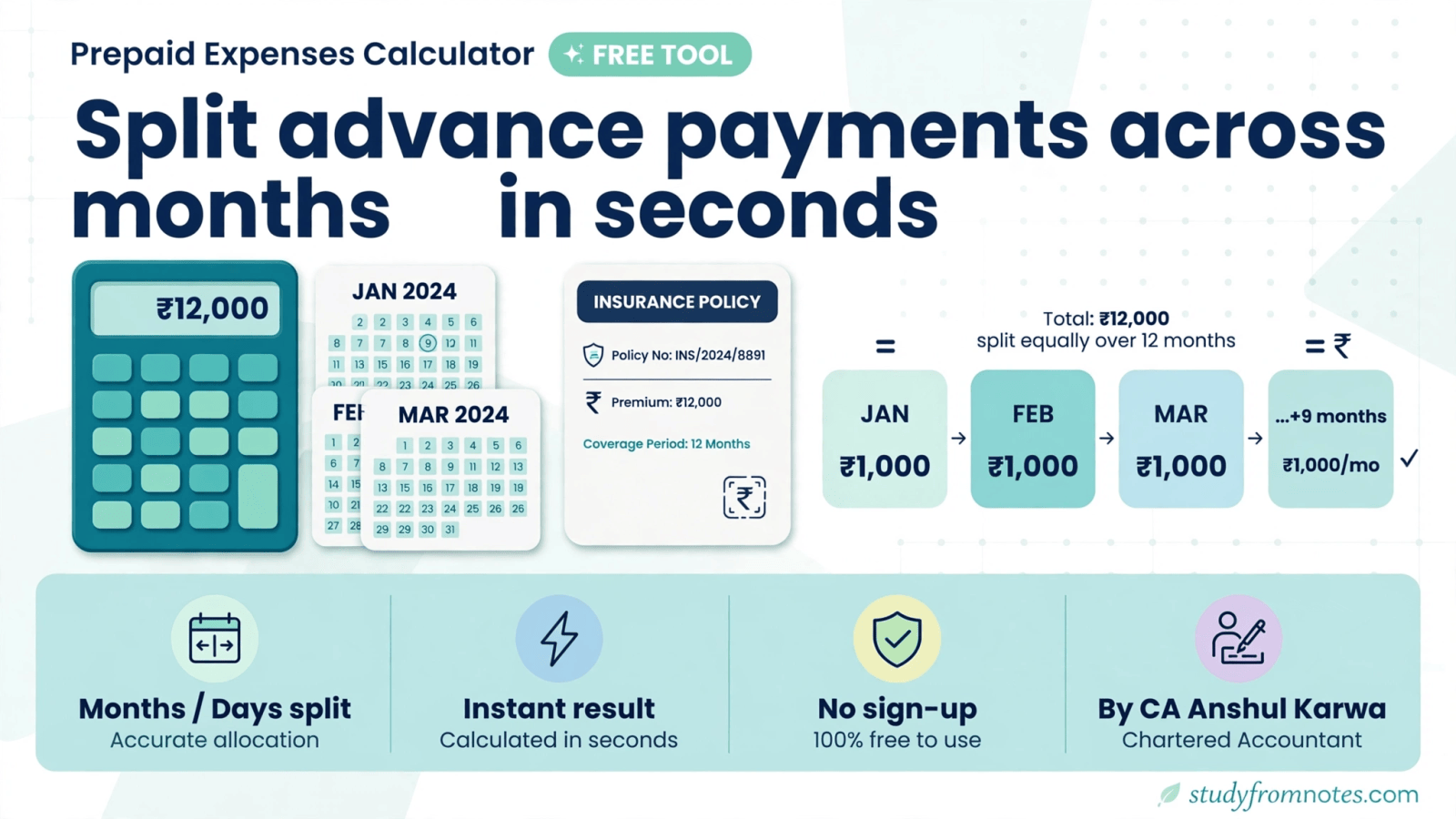
A prepaid expenses calculator built for month-end accuracy is now available free, developed by CA Anshul Karwa. Every accountant knows the headache: an insurance premium or annual maintenance contract paid in full, sitting in this month’s expenses, even though most of it belongs to future months. Enter the amount you paid in advance, choose whether to split it by months or days, and the calculator works out the prepaid portion in seconds. No sign-up, no spreadsheet formulas, no cost.
What Is the Prepaid Expenses Calculator and What Does It Do?
A prepaid expense is any payment made in advance for a benefit you will receive over future periods. Insurance premiums are the classic example, but annual rent, maintenance contracts, software subscriptions and retainers all work the same way. Under accrual accounting and the matching principle, you cannot charge the full amount to the month of payment. Instead, you recognise the expense gradually and carry the unexpired portion on the balance sheet as a current asset.
However, get this wrong and the problems pile up fast. Your profit and loss statement overstates expenses in the payment month and understates them later. Auditors will flag it during statutory or tax audit. And in tax computations, expenses claimed in the wrong year invite disallowances and litigation. For students, prepaid adjustments are also a favourite exam question across CA papers.
For this reason, the prepaid expenses calculator removes the manual arithmetic from this routine. You feed in the premium amount and the prepaid period, pick months or days as your unit, and it returns the amount applicable to the relevant accounting period. What used to take a scratch working on paper now takes under a minute.
Illustration: Splitting a 12-Month Insurance Premium
Here is a quick illustration. Suppose you pay Rs 1,20,000 on 1 October for a 12-month insurance policy, and your financial year ends on 31 March. Six months of cover fall in the current year and six spill into the next. The expired portion, Rs 60,000, stays in this year’s profit and loss, while the other Rs 60,000 goes to prepaid expenses on the balance sheet. The calculator does this split for you the moment you enter the amount and the prepaid months.
For the journal entry, the standard treatment is simple. When you pay, debit the expense account and credit bank. At period-end, debit Prepaid Expenses (shown under current assets) and credit the expense account with the unexpired portion. Next year, you reverse the entry. The calculator gives you the exact figure for that adjusting entry, so there is no rounding drift between your workings and your books.
Key Features of the Prepaid Expenses Calculator
- Months or days split: toggle between a monthly and a daily break-up, so the apportionment matches how your books track the expense.
- Built around insurance premiums: the fields mirror a real premium workflow, premium amount in rupees plus the prepaid period, with a single Calculate button.
- Instant results: the answer appears immediately, which makes it practical during closing when you are working through dozens of line items.
- Free with no sign-up: open the page and start calculating. Nothing to install and no account to create.
- Runs in your browser: the tool lives on the web, so it works wherever you do your accounting work.
- Made by a practising CA: it comes from Karwa & Associates, a chartered accountancy firm, so the logic follows real-world closing practice.
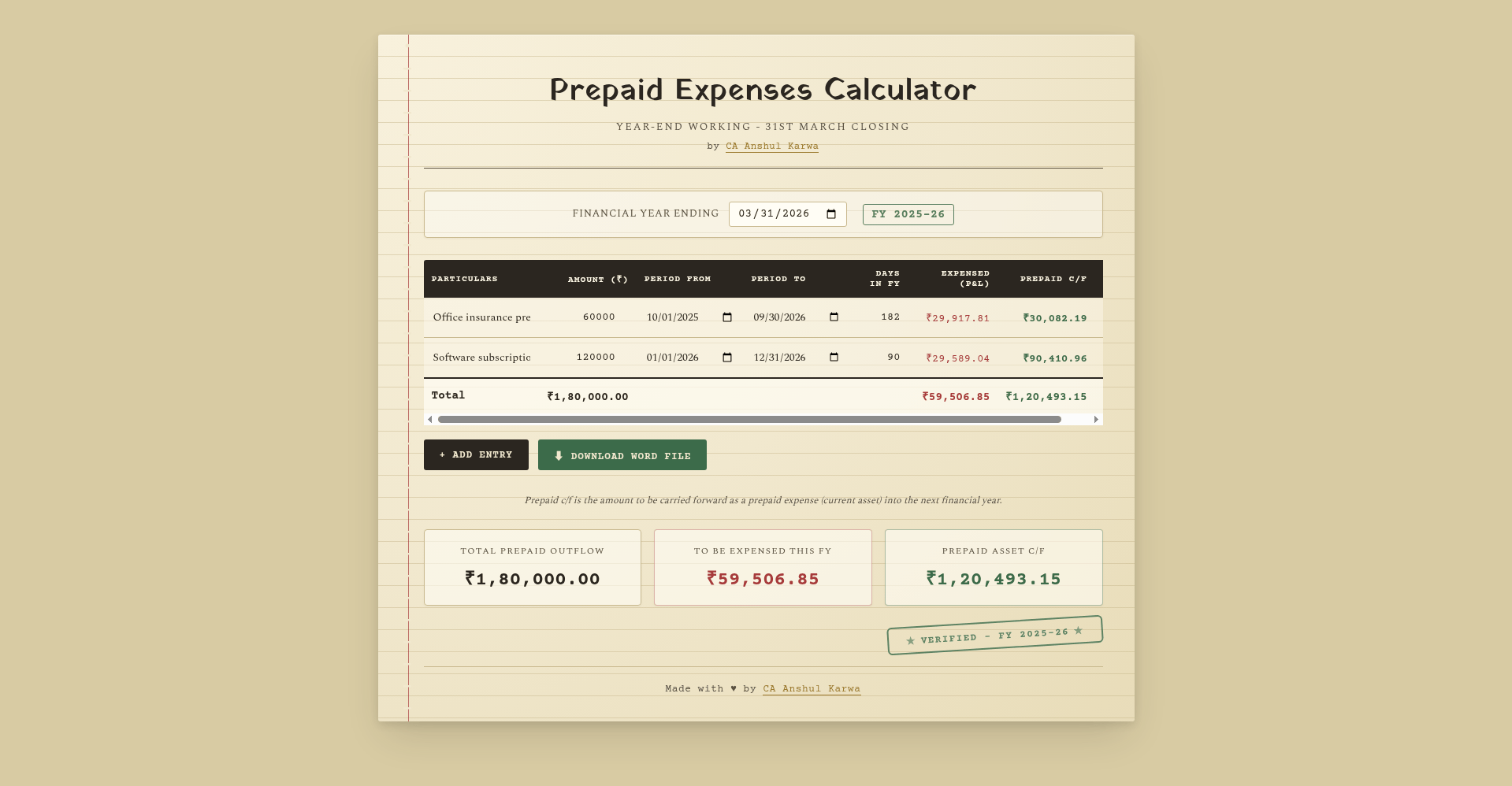
How to Use the Prepaid Expenses Calculator: Step by Step
Moreover, using the prepaid expenses calculator takes less than a minute, even the first time. Here is the full flow:
- Open the calculator. Go to the prepaid expenses calculator page on the Karwa & Associates website.
- Enter the premium amount. Type the total amount paid in advance, in rupees. For example, if you paid Rs 1,20,000 as an annual insurance premium, enter 120000.
- Choose the period type. Select Months if you want a monthly break-up, or Days for a day-wise split. Days give a more precise result when the policy starts mid-month.
- Enter the prepaid period. Fill in how much of the payment period falls outside the current accounting period, in months or days as per your selection above.
- Click Calculate. The tool instantly shows the prepaid expense amount to carry forward.
- Use the result in your books. Debit prepaid expenses (current asset) and credit the expense account with the computed amount, so only the expired portion hits this period’s profit and loss.

Finally, a quick tip: run the calculator once per policy or contract and save the break-up with your month-end workings. When the auditor asks for the basis of your prepaid balance six months later, you will have a clean trail.
Who Should Use the Prepaid Expenses Calculator?
Practising CAs and their teams will reach for it most. Prepaid adjustments sit inside almost every month-end and year-end closing checklist, and a quick tool beats rebuilding the same Excel logic for every client.
Accountants in industry face the same routine from the other side of the desk. Similarly, if you handle accruals, provisions or MIS reporting, this gives you a fast, consistent number without depending on someone else’s spreadsheet.
CA students and article assistants get a double benefit. The calculator checks their manual workings while they learn, and it speeds up the actual client assignments where prepaid workings are expected.
Small business owners who maintain their own books can also use it to keep advance payments out of the wrong month’s expenses, which keeps their profit figures honest through the year.
Prepaid Expenses Calculator FAQs
Is the prepaid expenses calculator really free?
Yes. The tool is completely free to use, with no sign-up, no trial period and no hidden charges. It is one of several free utilities built by CA Anshul Karwa for the accounting community.
What exactly is a prepaid expense in accounting?
A prepaid expense is a payment made in advance for goods or services you will consume in future periods. Common examples include insurance premiums, rent paid quarterly in advance, annual maintenance contracts and software subscriptions. Accounting standards require you to recognise the expense over the periods it benefits, carrying the balance as a current asset until then.
How does the calculator split the expense?
It apportions the total amount pro-rata over the period you select. Choose months for a simple monthly split, or days when you need precision, for instance when a policy starts in the middle of a month. Enter the prepaid portion of the period and the calculator returns the amount to carry forward.
Can I use it for expenses other than insurance?
Yes. Although the fields are labelled around a premium workflow, the maths is identical for any lump-sum advance payment: rent, AMC charges, subscriptions or retainers. Enter the amount and the prepaid period, and the logic holds.
Do I need to create an account or install anything?
No. The calculator runs directly in your browser. Open the page, enter your figures and read the result. Nothing is stored or tracked.
Where can I find more free tools like this?
The full collection lives on the free tools page, which includes tax calculators, PDF utilities, an IPO tracker and study resources, all free.
About the Developer
CA Anshul Karwa is a qualified Chartered Accountant who builds free, practical tools for the CA community alongside his professional practice. His utilities, from tax calculators to document tools, share one philosophy: everyday accounting work should not need expensive software. The prepaid expenses calculator follows the same idea.
Get the prepaid expenses calculator free:
Found this useful? Share it with your study group:
Leave a Reply